
Buy SOLIDWORKS Design Professional with Cloud Services in Nigeria and Ghana. Accelerate product development with advanced 3D CAD, photorealistic rendering, automated cost estimation, and secure cloud data management. Official Dassault Systèmes partner support from Generative CAD.
Elevate your engineering capabilities with SOLIDWORKS Design Professional with Cloud Services. Building on the robust foundation of the Standard package, this tier introduces advanced productivity tools designed to cut down design time, estimate manufacturing costs upfront, and create stunning marketing visuals before a single physical prototype is built. Seamlessly integrated with the 3DEXPERIENCE® platform, it pairs desktop-level processing power with agile, secure cloud data management. For African enterprises, industrial designers, and hardware innovators, this is the ultimate comprehensive toolkit to bridge the gap between complex engineering and market-ready impact.
Why Choose SOLIDWORKS Design Professional with Cloud Services?
To remain competitive, modern product development requires moving beyond basic geometry. SOLIDWORKS Design Professional equips you to design smarter, not harder. It introduces automated task scheduling, reverse engineering capabilities, and automated tolerance analysis to ensure your parts fit perfectly the first time on the manufacturing floor. Coupled with out-of-the-box cloud collaboration, your team can securely manage revisions, share 3D models via web links, and generate photorealistic marketing assets simultaneously. It is the definitive solution for reducing physical prototyping costs and accelerating your time-to-market.
Core Features & Benefits
Advanced 3D CAD & Assembly: Includes all the intuitive part modelling, complex assembly design, and production-ready 2D drawing capabilities found in the Standard tier.
Photorealistic Rendering: Utilise SOLIDWORKS Visualize to create VR content and stunning, high-quality images of your 3D data. Market your products globally before they are even manufactured.
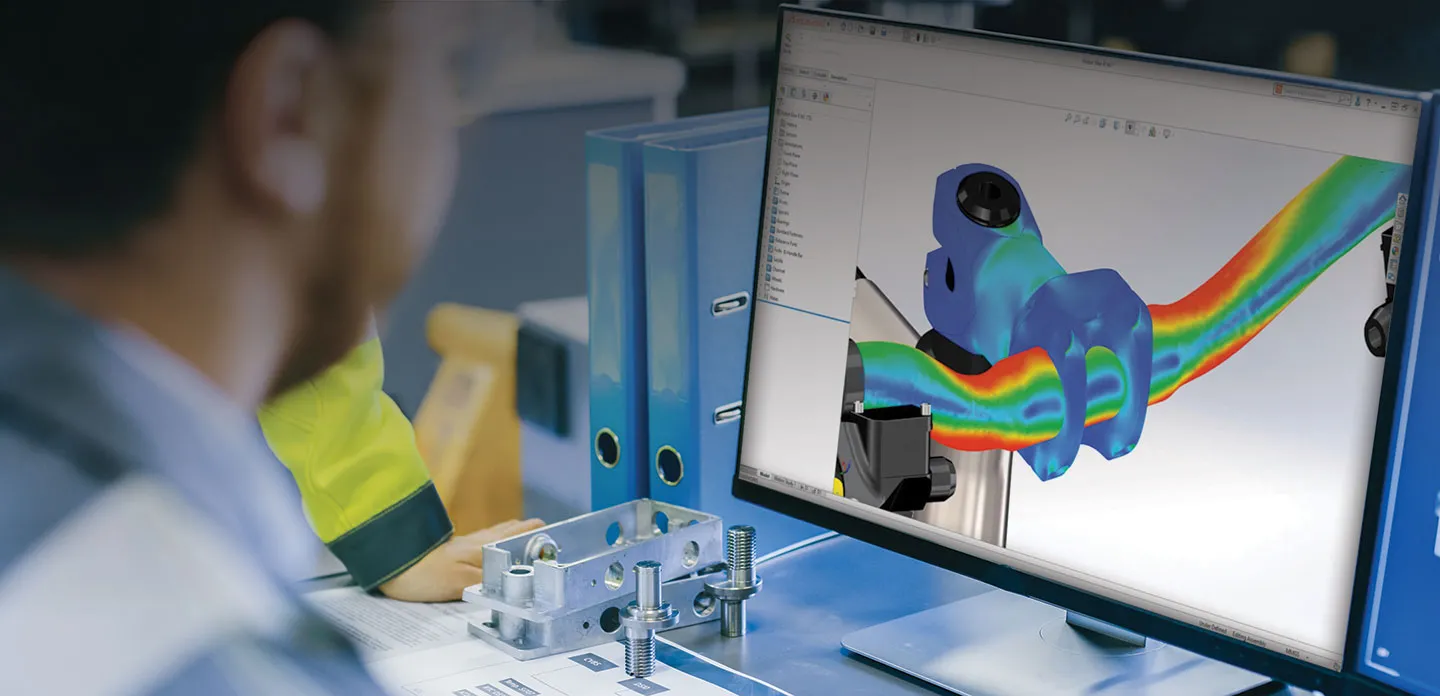
Automated Cost Estimation: SOLIDWORKS Costing automatically estimates manufacturing costs (machining, sheet metal, 3D printing) in real-time as you design, ensuring your projects stay within budget.
Advanced Tolerance Analysis: TolAnalyst helps you investigate the effects of tolerances and assembly methods, reducing the need for costly rework and scrap on the factory floor.
Reverse Engineering (ScanTo3D): Import point cloud data from 3D scanners to recreate solid geometry from existing physical objects—perfect for aftermarket design and localised adaptation.
Built-In Cloud Data Management: Automatically manage design revisions, track lifecycle states, and store files securely on the 3DEXPERIENCE platform without complex on-premise servers.
Frictionless Web Collaboration: Share 3D models with clients or external manufacturers via a secure browser link. They can pan, rotate, and mark up the design without needing a CAD license.
Elevate your engineering capabilities with SOLIDWORKS Design Professional with Cloud Services. Building on the robust foundation of the Standard package, this tier introduces advanced productivity tools designed to cut down design time, estimate manufacturing costs upfront, and create stunning marketing visuals before a single physical prototype is built. Seamlessly integrated with the 3DEXPERIENCE® platform, it pairs desktop-level processing power with agile, secure cloud data management. For African enterprises, industrial designers, and hardware innovators, this is the ultimate comprehensive toolkit to bridge the gap between complex engineering and market-ready impact.
Why Choose SOLIDWORKS Design Professional with Cloud Services?
To remain competitive, modern product development requires moving beyond basic geometry. SOLIDWORKS Design Professional equips you to design smarter, not harder. It introduces automated task scheduling, reverse engineering capabilities, and automated tolerance analysis to ensure your parts fit perfectly the first time on the manufacturing floor. Coupled with out-of-the-box cloud collaboration, your team can securely manage revisions, share 3D models via web links, and generate photorealistic marketing assets simultaneously. It is the definitive solution for reducing physical prototyping costs and accelerating your time-to-market.
Core Features & Benefits
Advanced 3D CAD & Assembly: Includes all the intuitive part modelling, complex assembly design, and production-ready 2D drawing capabilities found in the Standard tier.
Photorealistic Rendering: Utilise SOLIDWORKS Visualize to create VR content and stunning, high-quality images of your 3D data. Market your products globally before they are even manufactured.
Automated Cost Estimation: SOLIDWORKS Costing automatically estimates manufacturing costs (machining, sheet metal, 3D printing) in real-time as you design, ensuring your projects stay within budget.
Advanced Tolerance Analysis: TolAnalyst helps you investigate the effects of tolerances and assembly methods, reducing the need for costly rework and scrap on the factory floor.
Reverse Engineering (ScanTo3D): Import point cloud data from 3D scanners to recreate solid geometry from existing physical objects—perfect for aftermarket design and localised adaptation.
Built-In Cloud Data Management: Automatically manage design revisions, track lifecycle states, and store files securely on the 3DEXPERIENCE platform without complex on-premise servers.
Frictionless Web Collaboration: Share 3D models with clients or external manufacturers via a secure browser link. They can pan, rotate, and mark up the design without needing a CAD license.


 Search